


Felixspin App
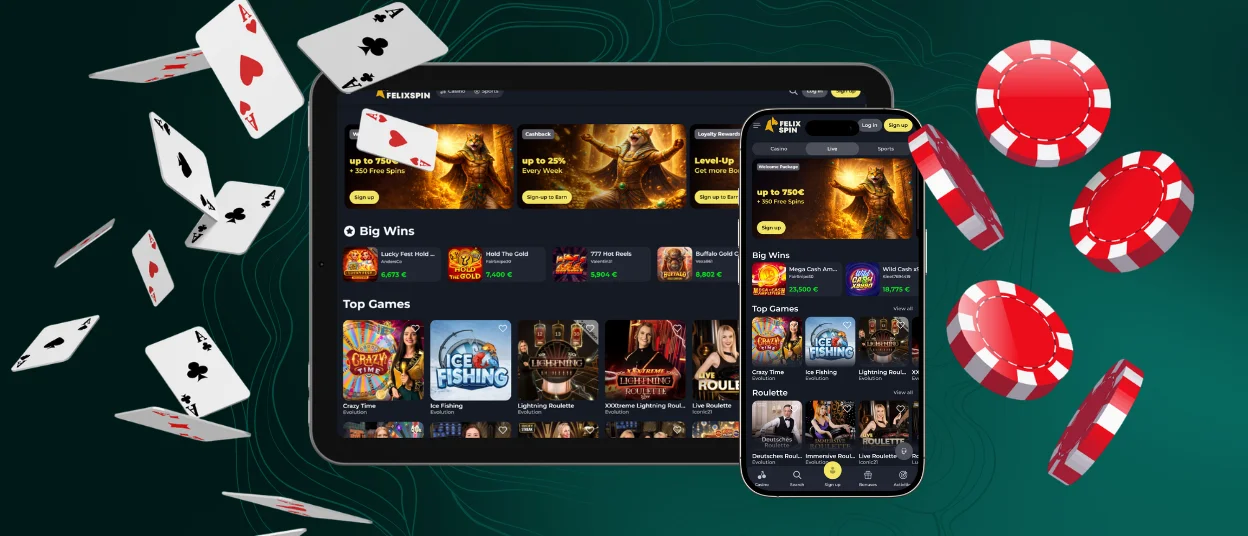
Once you add the Felixspin app to your home screen, you’ll get instant access to the mobile casino. It’s a lightweight, progressive web app for Android and iOS that requires no downloads or searching in app stores. It features the same games and bonuses as the PC version. The interface adapts perfectly to your screen, and your account is synced across all your devices.



Key Features of the Felixspin App
The Felixspin Casino has an application that gives you the same full game catalog and account management you’d find on desktop – just optimized for life on the move. It’s perfect for quick sessions and checking in on the go. For longer sessions or live casino action, the desktop version gives you that extra screen real estate.
Here’s what the Felixspin app brings to the table:
- Play Anywhere – Launch the mobile casino from your phone or tablet in seconds.
- Full Casino Access – Online slots and live casino are there.
- Touch-Optimized Design – Menus and controls are made for thumbs, not mouse pointers.
- Automatic Sync – Keep your balance and all your settings up to date in real-time on all your devices.
- Instant Notifications – Receive notifications about new promotions and account updates.
- Lightweight and fast-loading – Rapid performance. No manual updates needed.
When you’re at a PC, the bigger screen makes live dealer games and longer sessions feel more immersive. Both versions have their strengths, so you can choose what fits your moment.
Pros and Cons of Felixspin App
What we have in our mobile software are features of the desktop version – similar tools, but tailored for mobile devices. The Felix Spin app is a Progressive Web App (PWA), so there is no need to download or manually update it.
However, some things are better done on a larger screen. Long gaming sessions and live dealer games – sometimes you just need more screen space on the desktop version. Use the app for quick games on the go, and switch to the desktop version when you want to relax in front of the screen.
| Advantages | Limitations |
| No APK or App Store download required | Requires an internet connection to launch |
| Fast installation through the browser in less than a minute | Some live games are more comfortable on a larger desktop display |
| Automatic updates with no manual installation | Performance depends on the device and browser version |
| Full access to games, payments, bonuses, and account settings | Browser notification support may vary between devices |
| Account progress, balance, and bonuses sync across all devices | Battery usage is higher during long gaming sessions |
| Lightweight application that uses little storage space | Some older devices may load graphics more slowly |
Felixspin App for Android
The Felixspin app for Android works as a progressive web app, so there’s no need to download large files or search for APK files on third-party websites. It runs directly in your mobile browser with the same promotions and payment methods for managing your account as the desktop version.
Felixspin APK
We do not offer a separate Felixspin APK file. Instead, users can simply open the official website in their browser, add it to their home screen, and they’re all set. The app launches with a single tap and updates automatically, so you’ll always be using the latest version without any extra effort.
Mobile Application for iPhone and iPad
You can install our Felixspin app for iOS via Safari with just a few taps, so there’s no need to download anything from the App Store.
Once it’s there, you’ll have access to games and tournaments with huge prizes right at your fingertips. And since it updates automatically, you’ll always be using the latest version.
Getting the Felix Spin app onto your iOS device takes less than a minute:
- First, you should open Safari and go to the official Felixspin Casino website.
- Next, you need to tap the Share icon at the bottom of the screen.
- Then you have to scroll down and choose “Add to Home Screen” and tap “Add” in the top-right corner.
The new icon appears on your home screen, and you can tap it anytime. Once installed, the app runs in full-screen mode and takes up barely any storage. Your Felixspin Casino account stays synced across every device, so you can switch from phone to laptop without missing a beat.

Play Felix Spin Casino on Mac or Windows
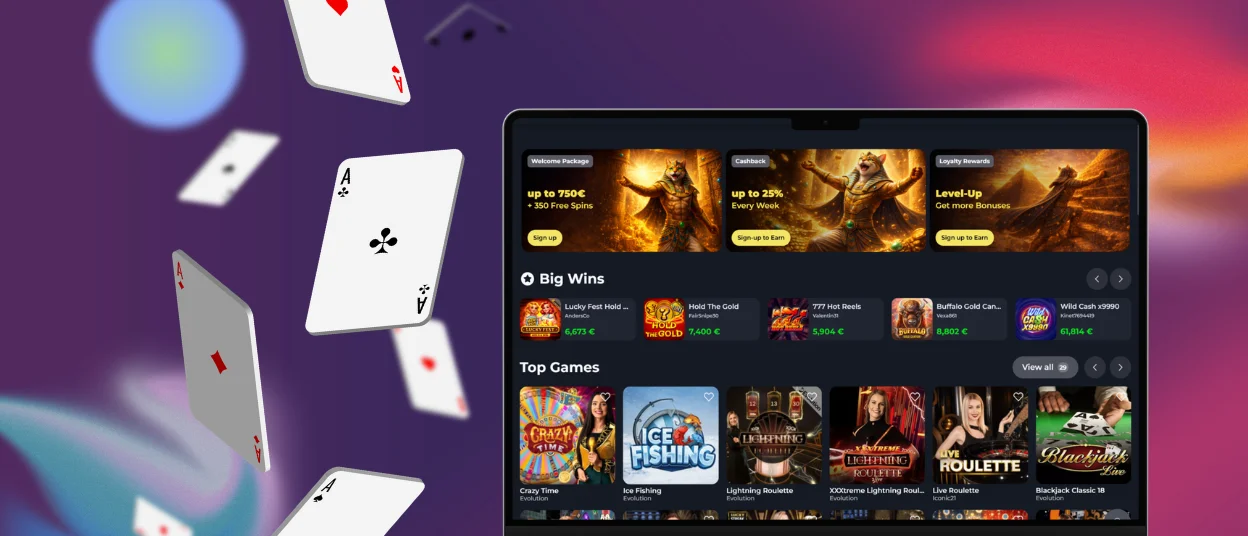
You can launch Felix Spin Casino on Windows and macOS using any modern browser. No downloads or additional software are required. Just launch the website and start playing. Create a desktop shortcut for even faster access and run the platform as a stand-alone app with the touch of a button.
The desktop version is quite useful for long gameplay periods. The visuals are more vibrant, and the bigger screen makes navigating easier. This is especially convenient for live dealer games or tracking statistics.
You get full access to Felixspin Casino features, and your account syncs across devices, so you can switch from your desktop to your mobile device and back without missing a minute.
Device Compatibility
Our PWA runs in a browser, so it works on virtually any modern device since no installation is required. Android devices, iPads, and iPhones can all run the Felixspin app equally well.
The most important factor isn’t the device itself but your internet connection. A stable Wi-Fi or mobile signal helps games load the platform quickly and ensures smooth live streaming with dealers. Your internet connection guarantees a seamless gaming experience.
We support, for example, the latest versions of Chrome, Safari, Edge, and Firefox.
FAQ
Does uninstalling the Felixspin app delete my account?
Removing the app or deleting the browser shortcut from your device does absolutely nothing to your Felix Spin Casino account. Your profile settings are stored securely on our servers – not on your phone or computer. You can log in anytime from any device or browser with your email and password, and everything will be right where you left it. If you have any specific questions about the app or your account, you can contact our support team via live chat or email.
Can I switch between light and dark mode in the app?
Our app is a rendering of the website, so it always looks just like our website’s interface. You cannot change the theme yourself in the settings. The Felixspin Casino website features dark colors that are easy on the eyes.
Does the app consume significant mobile data?
The Felix Spin app is made to be light on data during normal gameplay. Browsing games and the verification process use very little data. The only time you’ll notice higher usage is with live dealer games or HD streaming – they naturally need more bandwidth. For those longer sessions, we recommend a stable Wi-Fi connection. Overall, the app runs efficiently without eating through your data plan.


